 MacLenz
Launching soon · Free to start · Made for Mac
See how productive you are, and how well your Mac performs.
MacLenz is the Mac time tracker that shows where your day went. It times every app and website by itself, separates productive time from what pulled you away, and watches how your Mac is coping: memory, SSD, CPU and battery. Everything stays on your Mac.
MacLenz launches soon. The Free plan has no time limit and needs no card or sign-up. Pro is there when you want your full history and everything else.
- Free to start
- No account needed
- Your activity never leaves your Mac
- No tracking, no analytics
The main feature · All features
Automatic time tracking for every app and website
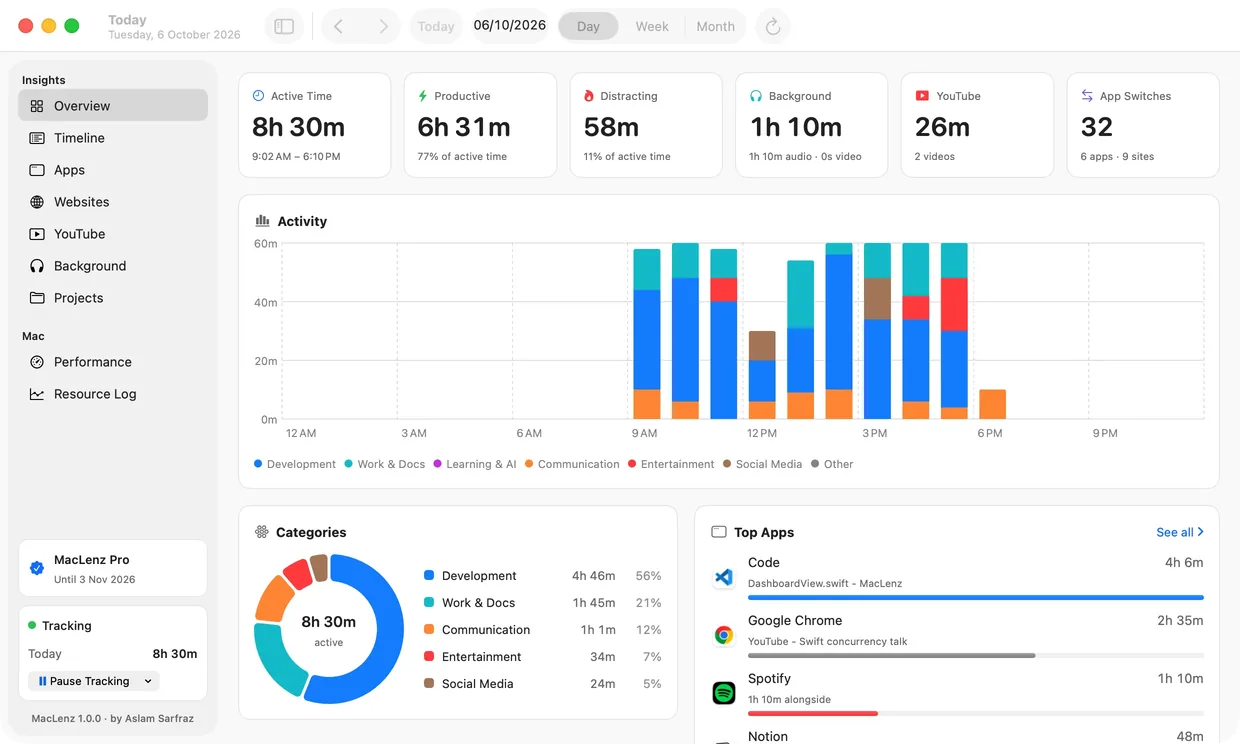
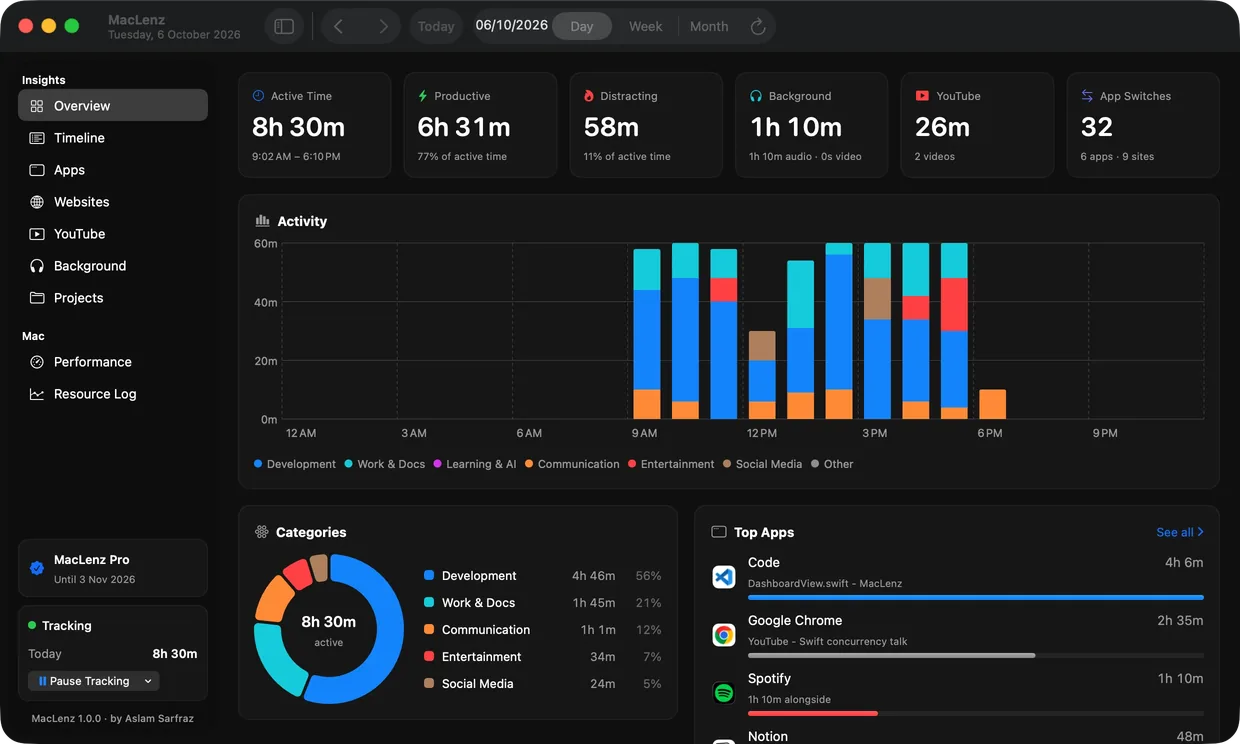
You worked all day, but where did the hours go? MacLenz quietly watches, and at night it tells you the story: what was real work, what was a detour. Tomorrow, you steer.
Sample data for illustration.
It tracks
Every app and website you use, timed by itself. No timers to press and nothing to remember.
It shows you
Productive, neutral and distracting time, hour by hour, in colour. One look and you know.
You improve
Spot your best hours and your biggest time-sinks. Compare days, weeks and months to see if you're getting better.
Finally, you can answer
- How long did I really work today?
- What pulled me away from it?
- When am I at my best, morning or night?
- How many times did I switch apps and lose my focus?
- Is this week better than last week? PRO
For the curious
- The Overview shows productive and distracting time as a share of your active time, next to how many times you switched apps, so a busy day and a focused day look different.
- Only real time at your Mac counts. Locked, asleep or away time is left out, and videos on a second screen are counted as "alongside", so they never inflate your work or your distractions.
- It reads window and tab titles, never page contents. Private and incognito windows are saved only as "Private Browsing".
Timeline
A Mac activity timeline of your whole day
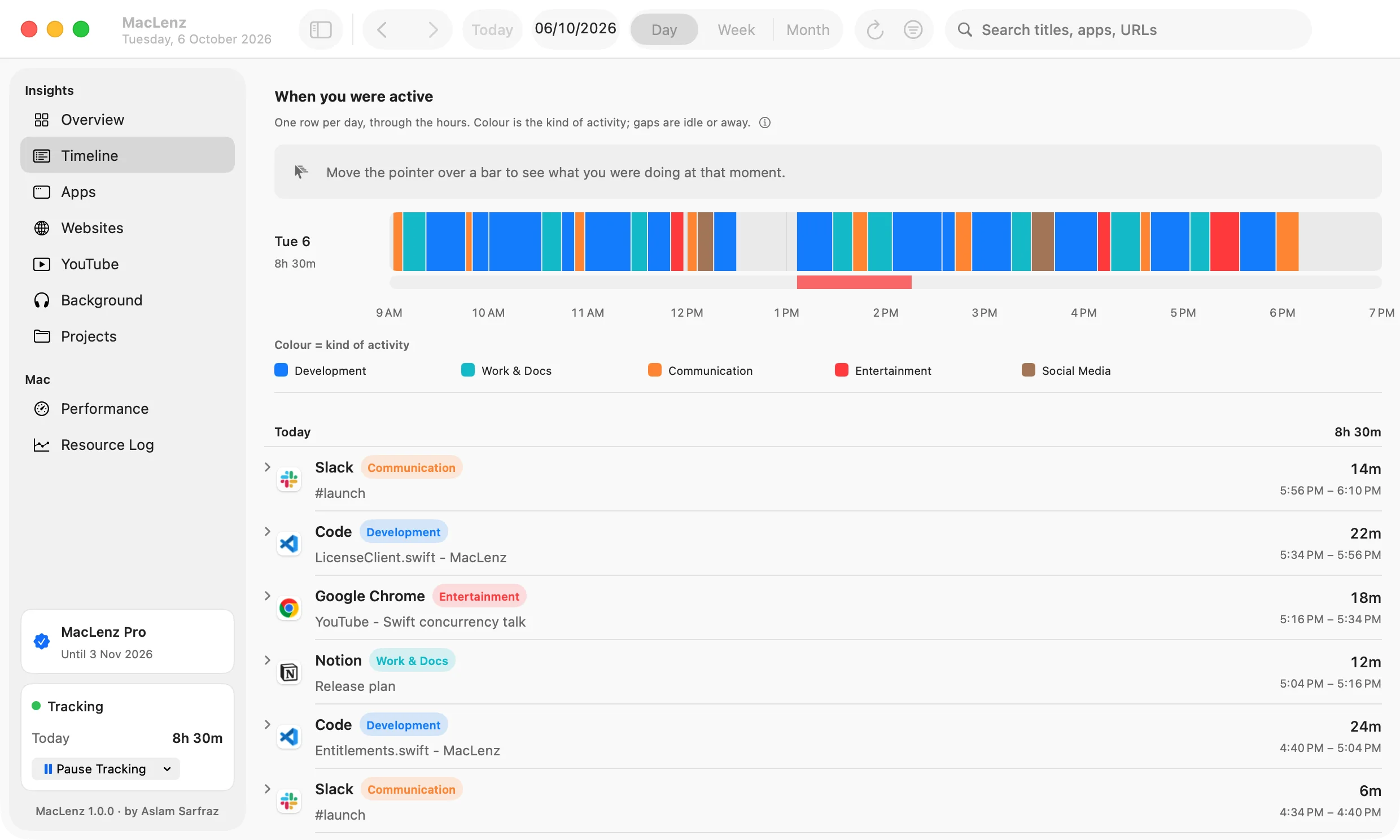
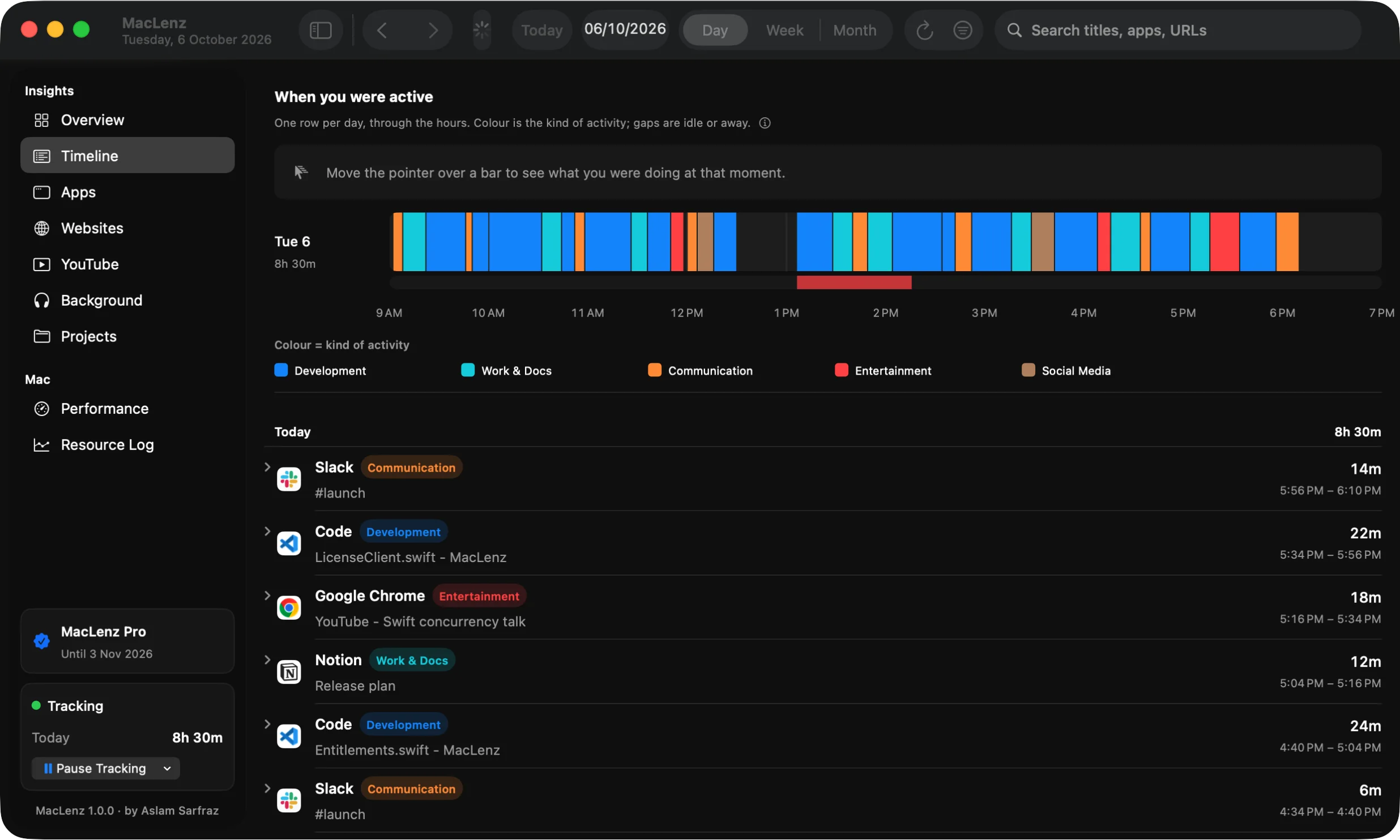
Every stretch of your day, newest first, with the window or page you were on and the exact times. A band at the top paints the day in colour, and hovering any bar tells you what you were doing at that moment.
- Search every title, app and address
- Hover the band to see that exact moment
- Idle, locked and away time is left out
Apps
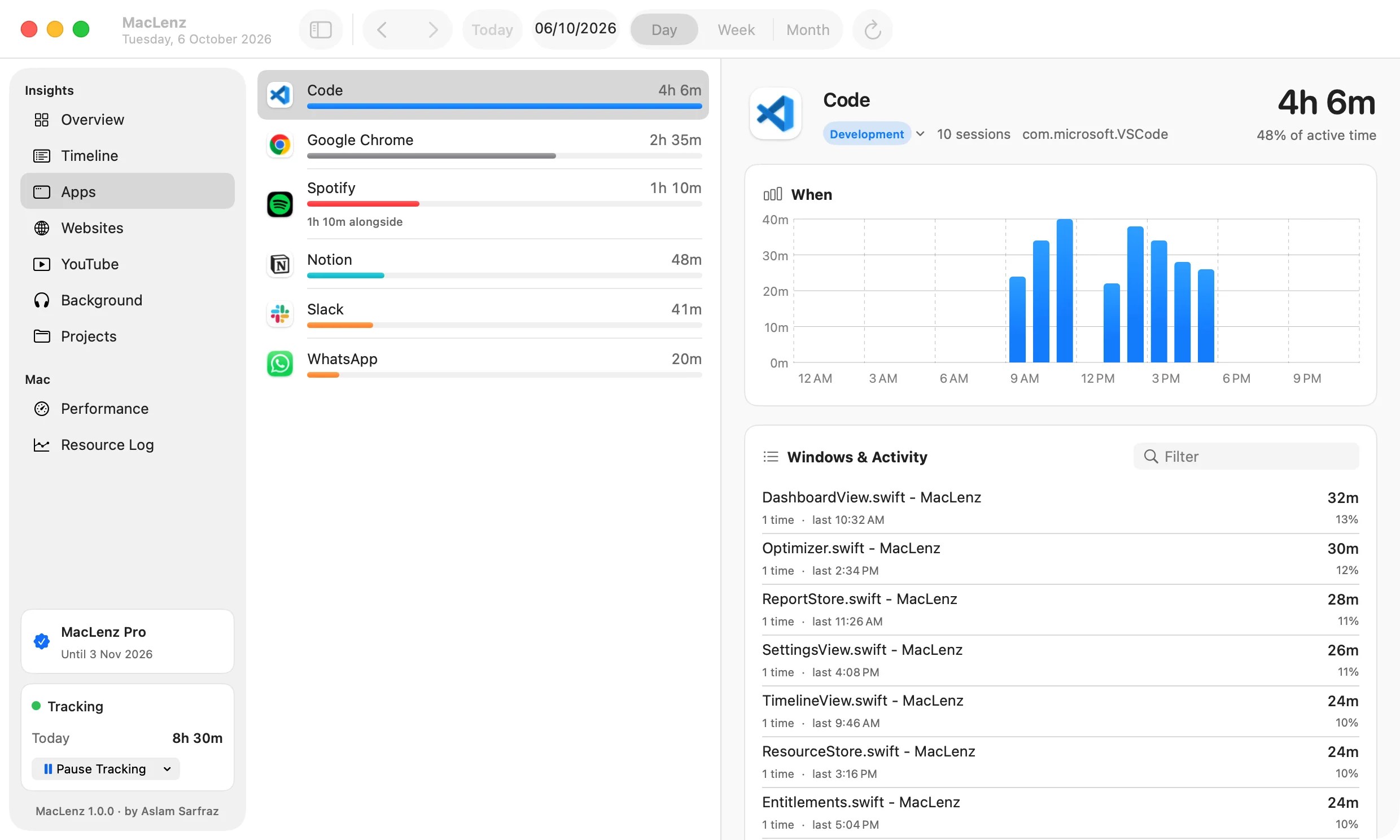
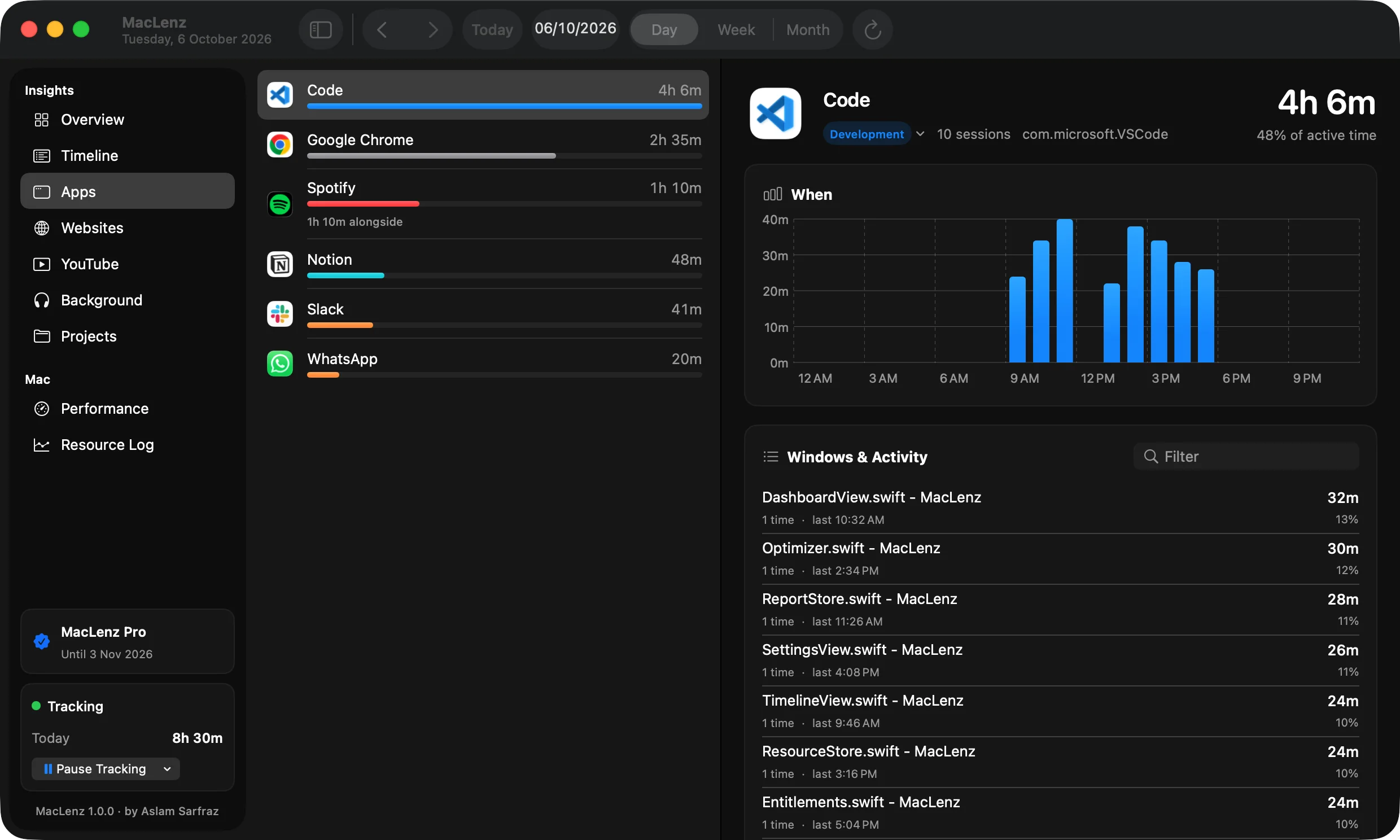
See how long every app, window and file took
Tap an app and see its whole day: when you used it, which windows and files, and how long on each. Time in front and time alongside, like a video on a second screen, are kept apart, so they never mix.
- Each app's hours on one simple chart
- Which files, documents and pages you were in
- Change an app's category and your past days update too
Performance
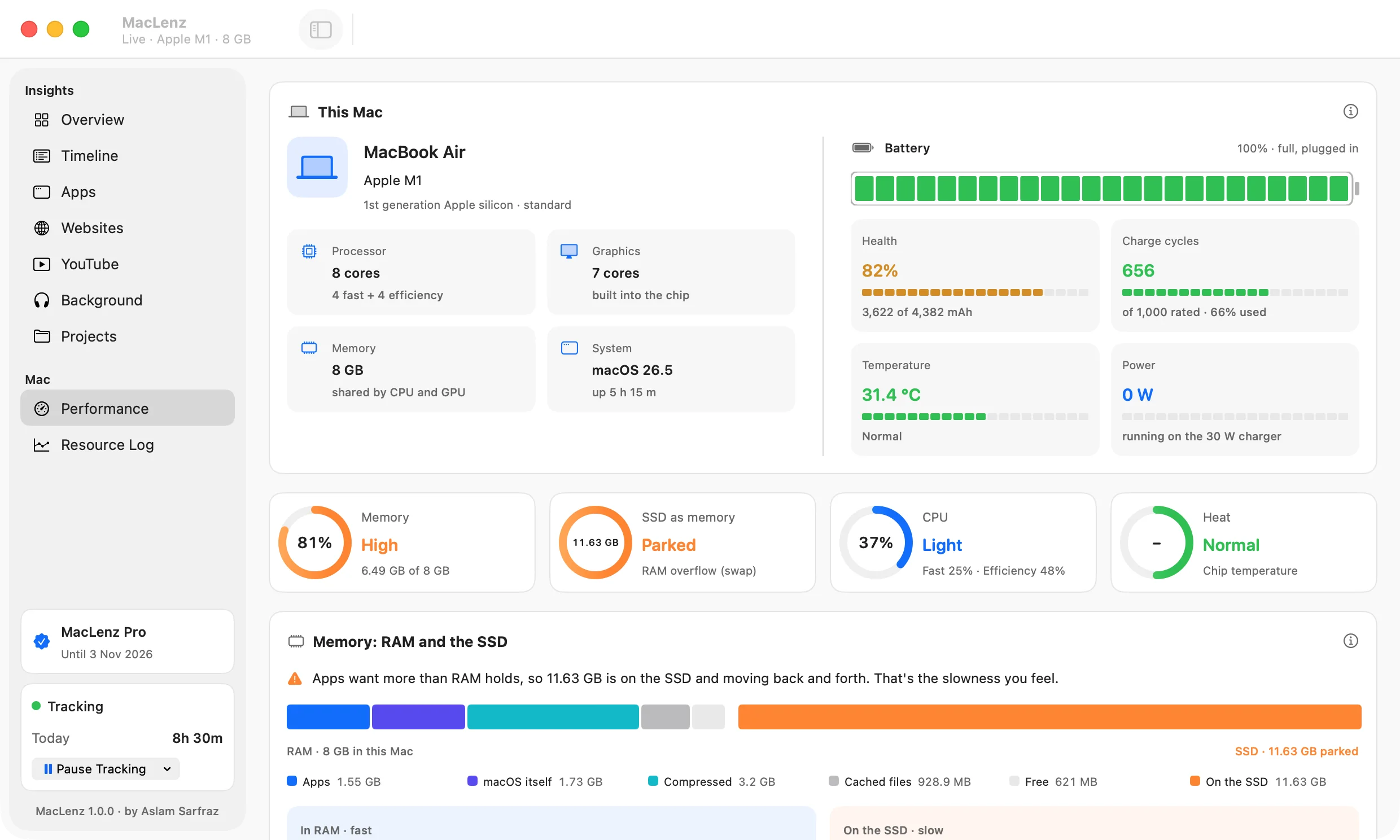
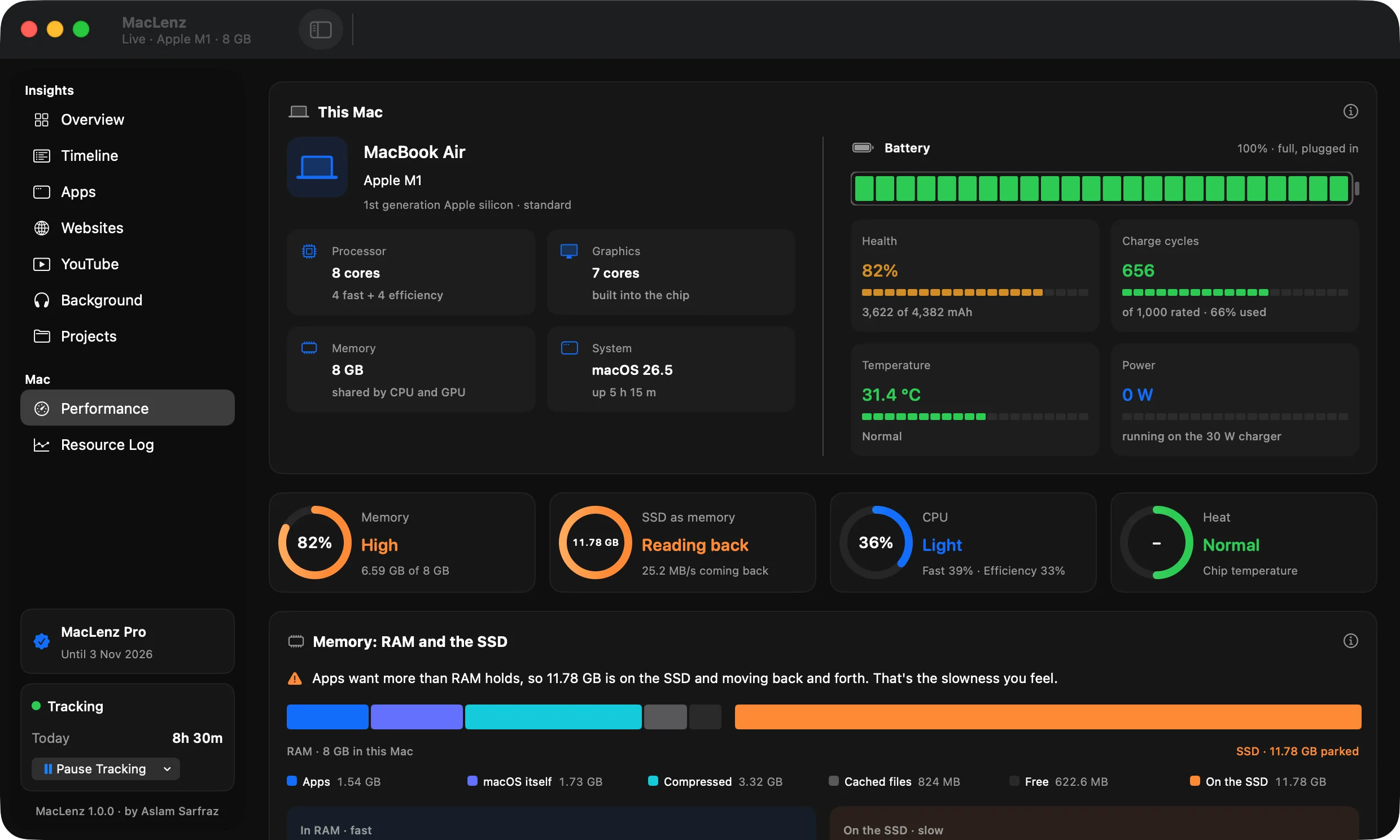
Why is my Mac slow? See RAM, swap and the SSD live
RAM is your desk. The SSD is a storage room down the hall. When the desk is full, you keep running to the storage room, and everything slows down. MacLenz shows the desk and the storage room live, in plain words.
- How much is on the desk and how much is parked on the SSD
- Which apps hold the most memory, and which use the fast cores
- How fast data moves through RAM and the SSD, with a one-click speed test
Learn more about Mac performance
Pro: every CPU core and the GPU, live, one pixel box each
Optimization PRO
Pause idle apps to free up memory
Apps you aren't using take a nap, and they wake the second you open them. You choose which apps, and MacLenz never touches the app in front, calls, music, downloads or Terminal. Nothing is quit, and nothing is lost.
- Teams awake 9 to 6, WhatsApp awake at night: set schedules
- Busy apps in the background move to the quiet, power-saving cores
- Quit MacLenz and every paused app wakes at once
And it shows you, from your own numbers, whether it helped: time under memory pressure, slowdowns and freezes per hour, with it off and on.
Export and import PRO
Export your Mac activity to CSV
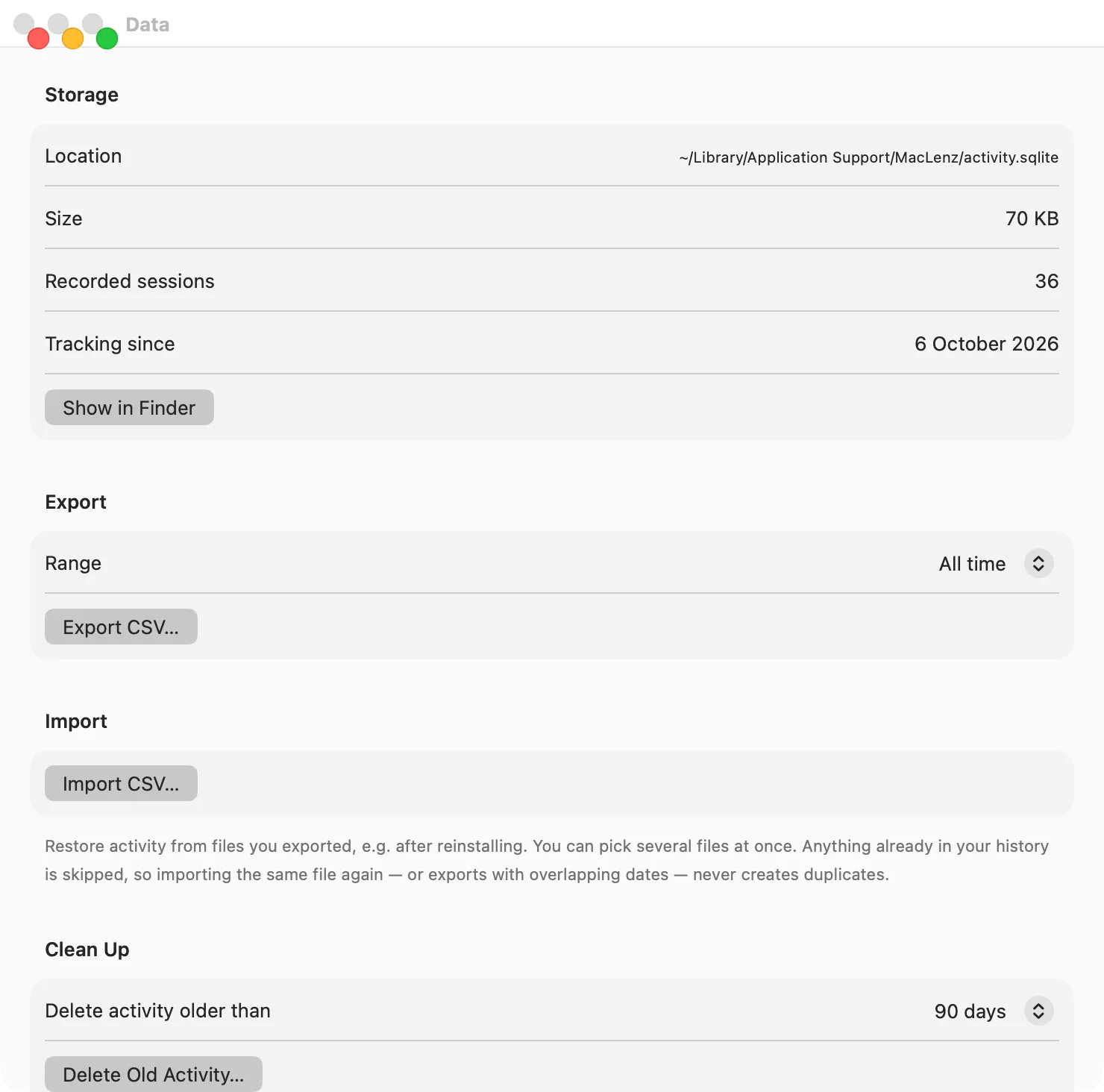
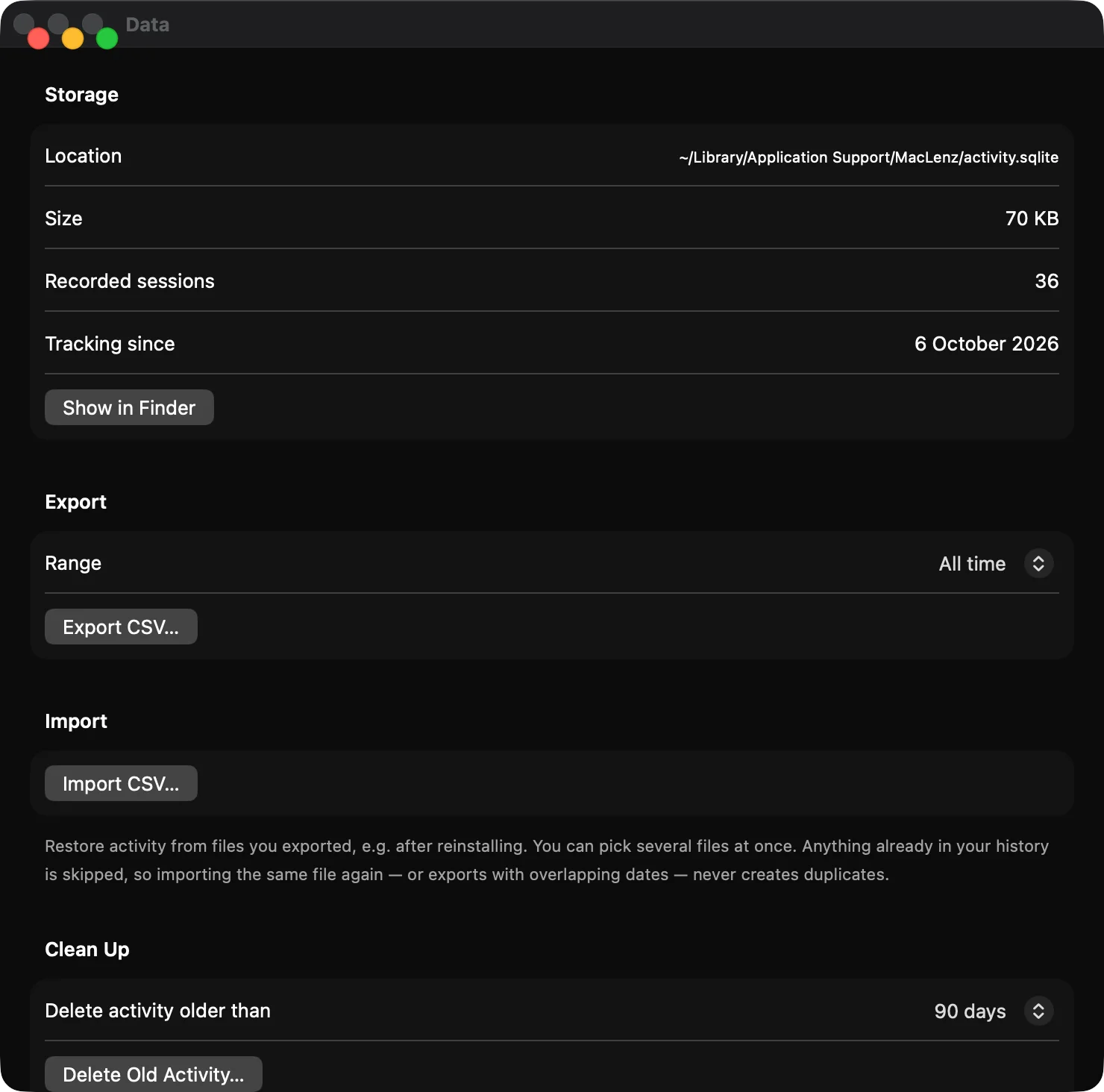
Export your activity as a CSV file whenever you like, and import it on any Mac: after a reinstall, or on a new machine. Anything already in your history is skipped, so importing the same file twice never creates duplicates.
- Export today, the last 7 or 30 days, or everything
- Pick several files at once when you import
- Your file is yours: plain CSV, readable anywhere
Private by design
A private Mac tracker: saved only on your Mac
Everything MacLenz records lives in one private folder on your computer. There is no cloud storage and no account, so nobody online can see your day. The only time MacLenz goes online is to check your Pro license, and that check carries your license key and a random name for your Mac. One optional setting, off by default, loads YouTube thumbnails.
- Stored on your Mac only
- No cloud, no account
- Your activity is never uploaded
Titles, never contents
It reads window and tab titles. Never your pages, passwords or messages.
No analytics
Nobody can see that you installed it, what you do, or what is on your screen.
Delete it all in one click
Settings, Data, Uninstall removes the app, its data and its permissions.
Pricing
Simple pricing. Start free.
The Free plan keeps the last 3 days of your history and never expires. Pro keeps all of it and opens every feature. Choose monthly or yearly, and cancel any time. Pro costs $6.95 billed monthly, or $59.40 billed yearly, which is $4.95 a month. See the full pricing page.
Free
For a look at your day.
$0 forever
No card. No account. No end date.
- Tracking of apps, websites, videos and projects
- The last 3 days of history, one day at a time
- Live CPU, memory, heat and battery
- Resource log for the last 3 days
- Everything stays on your Mac
Pro
Your whole history, and every feature.
$4.95 / month
Billed once a year: $83.40 $59.40
You save $24.00 a year
- Everything in Free
- All your history, kept as long as you like
- Day, week and month views
- Optimization: pause the apps you aren't using
- Every CPU core and the GPU, live
- Export and import your activity
- One key for 2 of your Macs
Pro checkout opens soon. Download the free version now and use it as long as you like.
Payments are handled by Lemon Squeezy, our merchant of record. They take cards and PayPal and add local sales tax where it applies. Cancel any time from the link in your receipt. See the refund policy.
| What you get | Free | Pro |
|---|---|---|
| Day tracking: apps, websites, videos, projects | ✓ | ✓ |
| History you can see | Last 3 days | All of it |
| Day, week and month views | Day | ✓ |
| Live CPU, memory, heat and battery | ✓ | ✓ |
| Resource log | Last 3 days | As long as you choose |
| Every core and the GPU, live | Blurred | ✓ |
| Optimization | No | ✓ |
| Export and import | No | ✓ |
Setting up, once it launches
Download, drag, open.
Download
Get the MacLenz disk image.
Drag
Drop MacLenz into your Applications folder.
Open
It lives in your menu bar. Allow Accessibility if you want window titles.
What it asks for
Accessibility
To read window titles, like which document is open. Skip it and apps, time and performance still work.
Automation
To read the active tab's title and address. Never the page itself.
Notifications
Only for the memory and busy-app warnings, which you can switch off.
Everything else
Screen Recording, Full Disk Access, camera, microphone, contacts or location.
Made by one person
MacLenz is an independent Mac app
MacLenz is built and maintained by Aslam Sarfraz, an independent developer. It was built and tested on an M1 MacBook, and it runs on Apple silicon and Intel Macs. Read how it is made, and why your data stays on your Mac.
Questions
Frequently asked questions
What is the difference between Free and Pro?
Free tracks your day and shows the last 3 days, one day at a time, and never expires. Pro keeps all of your history and adds week and month views, optimization, the live view of every core and the GPU, and export and import.
How do I buy and turn on Pro?
Press Get Pro and pay on the checkout page. A license key arrives by email. In MacLenz open Settings, then Plan, paste the key and press Activate. One key works on 2 Macs. Moving to a new Mac? Press Deactivate This Mac first, then activate the key on the new one.
How will I know when my Pro plan ends?
Settings, then Plan, shows the exact date and time your plan runs until, in your own time zone. In the last 7 days MacLenz counts down every day, in the dashboard and in the menu bar: 7 days left, 6 days left, and so on. When the date comes and the subscription has not renewed, MacLenz switches to Free.
Does Pro work without internet?
Yes. Your plan has an end date that MacLenz stores on your Mac when you buy, so Pro keeps working offline until that date. When you are online again, MacLenz checks once a day and moves the date forward if your subscription renewed.
Can I cancel?
Yes, any time. Use the Manage subscription button in MacLenz, or the link in your receipt email. Pro stays on until the end of the period you paid for.
What happens to my history when Pro ends?
You see the last 3 days. Older history stays on your Mac, hidden, for 30 days, so renewing in that time brings it all back. After 30 days it is deleted, because Free keeps 3 days. If you want a copy first, export it while you still have Pro.
Does it send my data anywhere?
No. Your activity never leaves your Mac, and there is no account and no analytics. The only thing MacLenz sends is a license check, which carries your key and a random name for your Mac like "Mac 7F3A". It runs once a day while you are online.
Why does it ask for Accessibility?
Only to read window titles, such as which document is open. If you skip it, apps, time and performance still work.
Which Macs does it work on?
Any Mac running macOS 15 Sequoia or later, Apple Silicon (M1 and newer) and Intel. It was built and tested on an M1 MacBook, so that is where it is best proven.
See where your day goes.
When MacLenz launches, download it, open it, and by tonight you will know. Free to start, with Pro when you want the full picture.
Download for MacVersion 1.0.0 · macOS 15 or later · SHA-256
macOS 15 or later · Apple Silicon and Intel