 MacLenz
Optimization
Give your Mac room to breathe
Apps you are not using take a nap, and they wake the second you open them. You choose which apps, and MacLenz never touches the app in front, calls, music, downloads or terminals. Nothing is quit, and nothing is lost.
What it does PRO
Two ways to free up your Mac
Optimization is part of Pro. When it is on, apps you have allowed are paused while you are not using them. A paused app uses no processor time or power, and macOS squeezes its memory out first when RAM runs short. It wakes the moment you open it.
A second option looks after busy apps in the background. It moves them to the efficiency cores, the slower cores that use very little power, so the fast cores stay free for what you are doing. Nothing is paused for that, and nothing is lost. Turn Optimization off and everything is put back at once.
You stay in control
Which apps, and how eager
You choose the apps that may be paused, and an app you do not choose for stays always on. A mode sets how eager MacLenz is. Balanced waits a while before pausing an app you have not used. Focus pauses sooner and also slows every busy background app, for when you need your Mac as fast as possible right now.
Each app gets one of three rules while you are not using it. Always on means never paused, with notifications arriving right away. Check every few minutes means paused but woken briefly to fetch messages. Can wait means paused until you open it, and then it catches up.
Schedules
Keep an app awake when you need it
A schedule changes an app's rule at certain times. Set Teams to always on from nine to six on weekdays, and WhatsApp to always on at night, and MacLenz leaves them alone in those hours. Each schedule has its own switch, so you can turn it off without deleting it.
For a one-time need, such as keeping Teams on for the next 3 hours, use that app's Options menu on the Performance page.
Safe by default
What MacLenz leaves alone
MacLenz never touches the app you are using, apps showing on a screen, calls, music, downloads and terminals. Finder, the Dock, terminals, Xcode, Docker and Activity Monitor are always protected, even if they are not listed. Nothing is paused until you switch the feature on and allow apps. The Free plan shows the Optimization card but does not run it.
Did it help?
Your own numbers, with it off and on
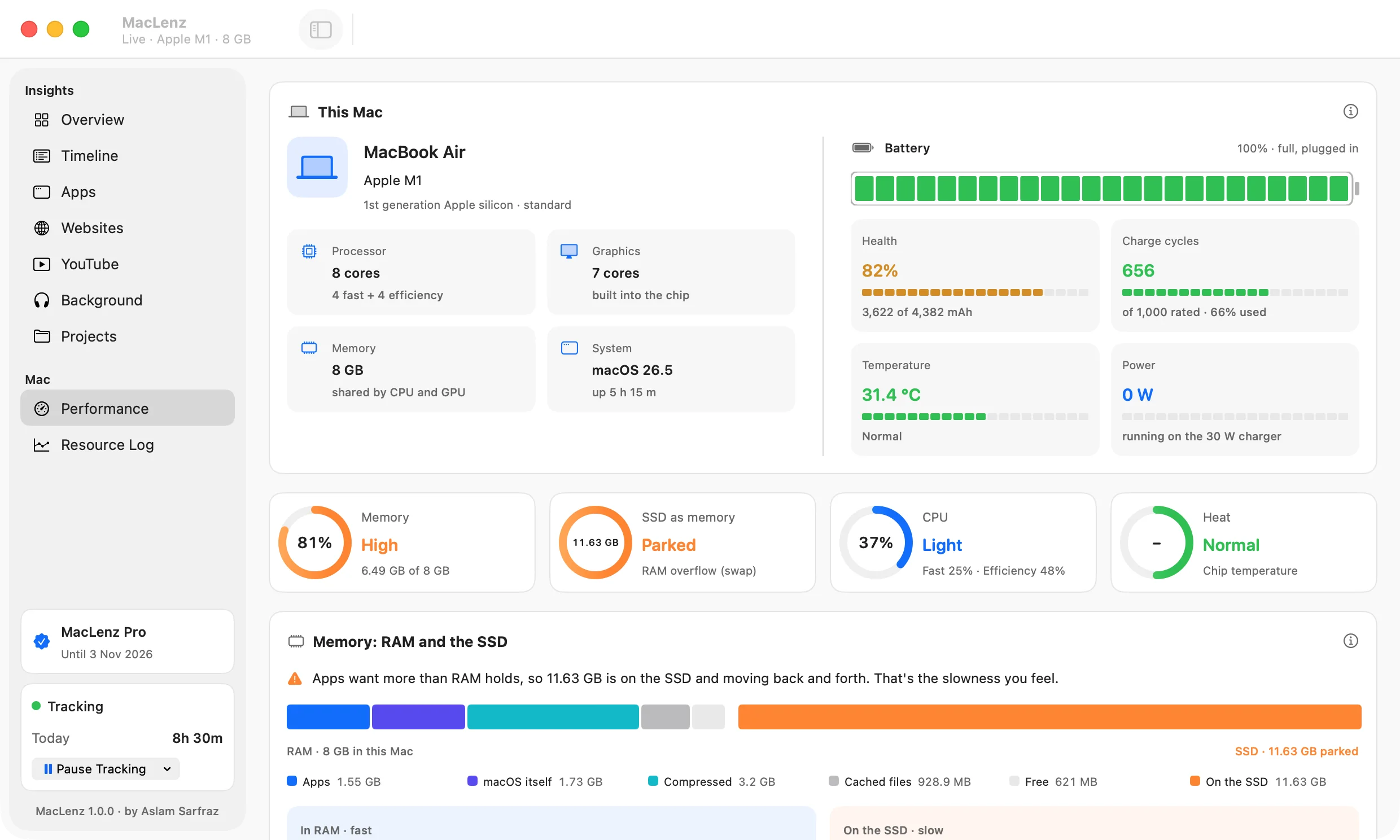
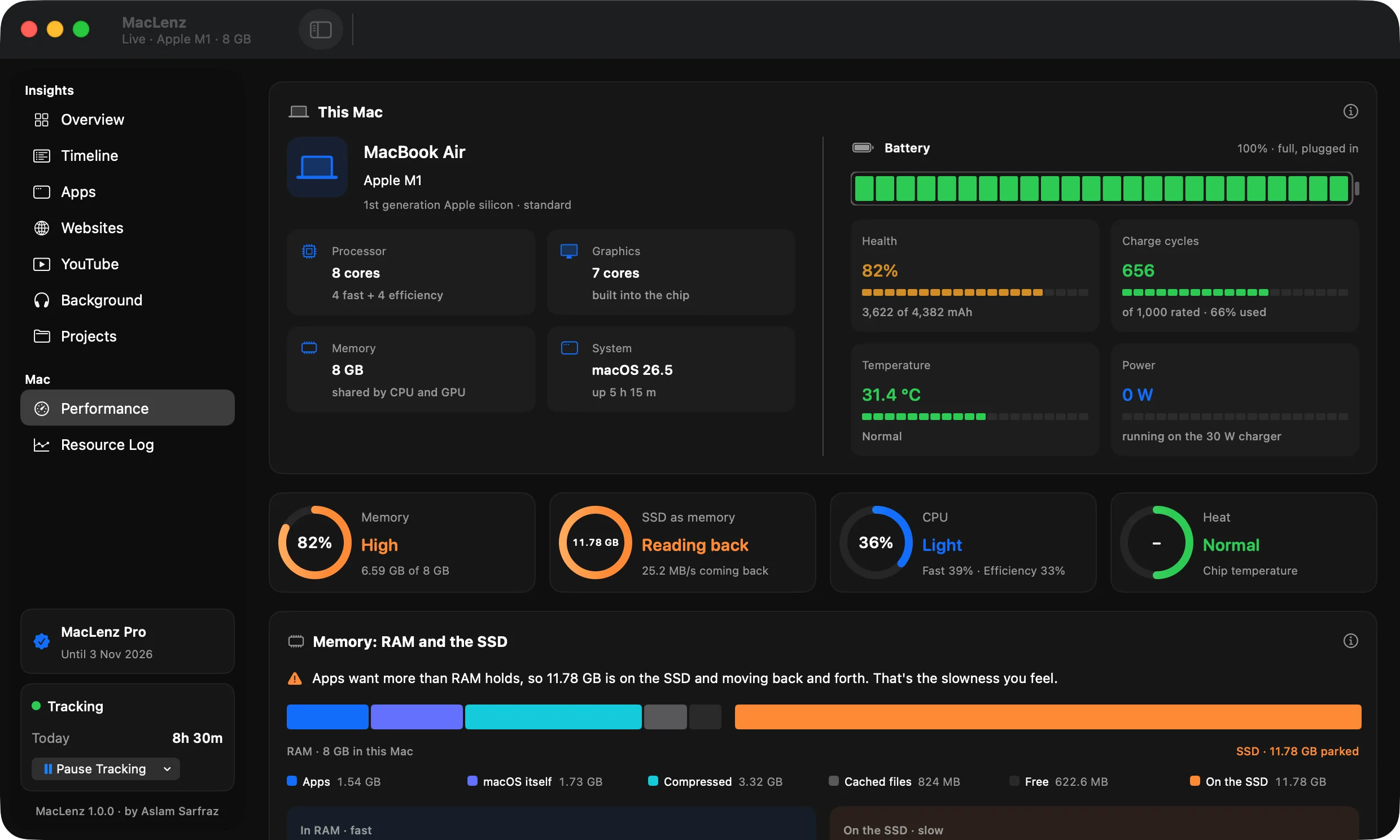
Optimization is only worth keeping if it helps your Mac. MacLenz records how your Mac does with the feature off and with each setup you try, over the minutes you were working. It compares time under memory pressure, slowdowns and freezes per hour, and shows what got better and what got worse.
The comparison comes from your Mac's own resource log, so it reflects how you actually work. The Mac performance page describes the log in more detail.
Warnings
A nudge when something is wrong
While Optimization is on, MacLenz can show a notification when your Mac has been short of memory for a minute and tell you which apps hold the most, at most once every 30 minutes. It can also tell you when a background app keeps a processor core busy for 5 minutes, which can mean it is stuck. Both are optional.
Questions
Questions about Optimization
Is Optimization on by default?
No. Nothing is paused until you switch the feature on and allow apps. The Free plan shows the Optimization card but does not run it.
Does it close my apps?
No. Apps you are not using stay open but paused, and they wake the moment you open them. If you quit MacLenz, every paused app wakes at once.
Will I still get messages in Slack or WhatsApp?
That depends on the rule you choose. Always on means notifications arrive right away. Check every few minutes wakes the app briefly to fetch messages, and you can set how often and for how long.
Which Macs benefit most?
Macs that run short of memory: a Mac with 8 GB of RAM and a browser full of tabs, a long session in a heavy editor, or a day with chat apps, a video call and a build running together.
Be the first to know when MacLenz launches
Leave your email and we will write to you once, the day it is ready. The Free plan has no time limit and needs no card.
Download for Mac