 MacLenz
Features
What MacLenz does for your Mac and your day
MacLenz has two jobs. It tracks what you do all day, and it watches how your Mac is coping. Both run quietly in the menu bar, and both keep their data on your Mac.
Five parts
One app, five things to look at
Day tracking
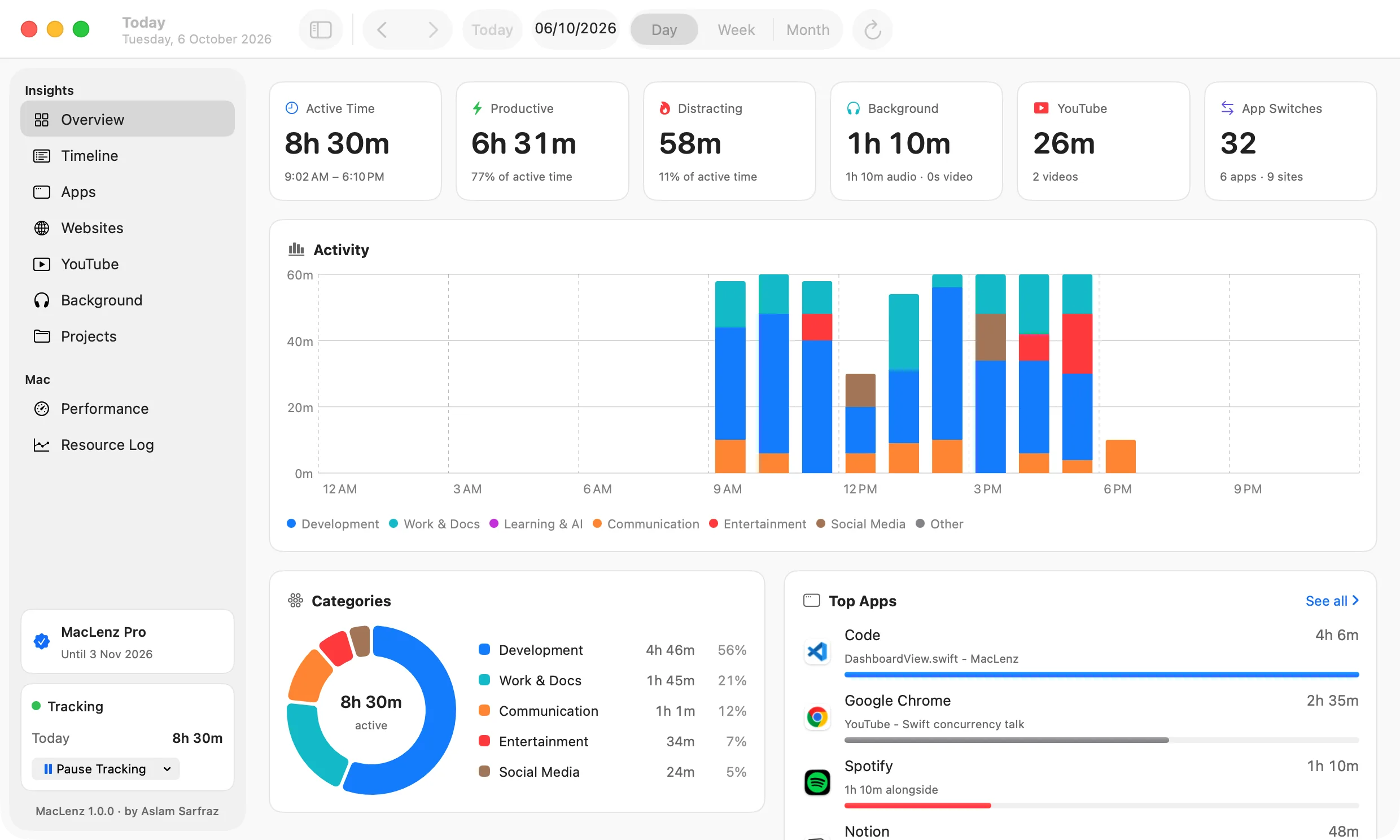
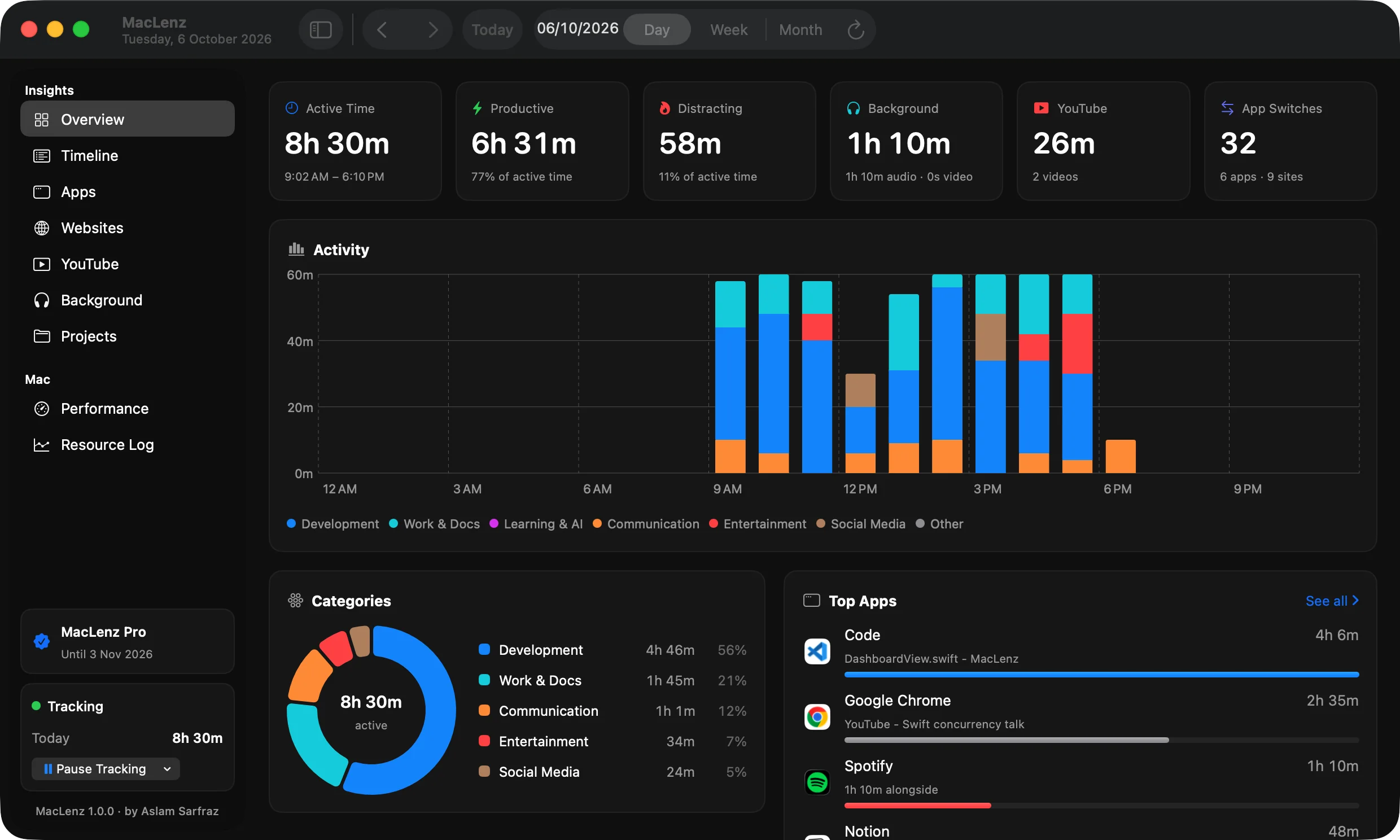
Every app, website, video and project you use, timed by itself and sorted into productive, neutral and distracting time.
Learn moreMac performance
RAM, the SSD, CPU, heat and battery in plain words, plus a resource log that remembers every slowdown.
Learn moreOptimization PRO
Apps you are not using take a nap and wake the moment you open them. You choose which apps and how eager it is.
Learn moreExport and import PRO
Take your history as CSV, JSON or a readable report, and bring it back on any Mac.
Learn morePrivacy by design
Everything is saved on your Mac. There is no account, no analytics and no cloud copy of your day.
Learn moreMenu bar
Two small panels: your day so far, and a live view of CPU, memory, heat, storage and battery. Both are described on the pages above.
Learn moreHow the parts fit together
One tool for your day and your Mac
Day tracking answers where your time went. Mac performance answers what your Mac was doing while you worked. The resource log shows how you spent the time it covers, and the day view shows which apps you used, so you can compare a slow afternoon with what you were doing.
Optimization acts on what the performance view finds, and export and import keep your history in files you own. All of it is saved on your Mac, which is why the privacy page is part of the feature list.
Free and Pro
What each plan includes
| What you get | Free | Pro |
|---|---|---|
| Day tracking: apps, websites, videos, projects | Yes | Yes |
| History you can see | Last 3 days | All of it |
| Day, week and month views | Day | Yes |
| Live CPU, memory, heat and battery | Yes | Yes |
| Resource log | Last 3 days | As long as you choose |
| Every CPU core and the GPU, live | Blurred | Yes |
| Optimization | No | Yes |
| Export and import | No | Yes |
See the prices and how billing works. The Free plan never expires and needs no card or sign-up.
Be the first to know when MacLenz launches
Leave your email and we will write to you once, the day it is ready. The Free plan has no time limit and needs no card.
Download for Mac