 MacLenz
Export and import
Take your history with you
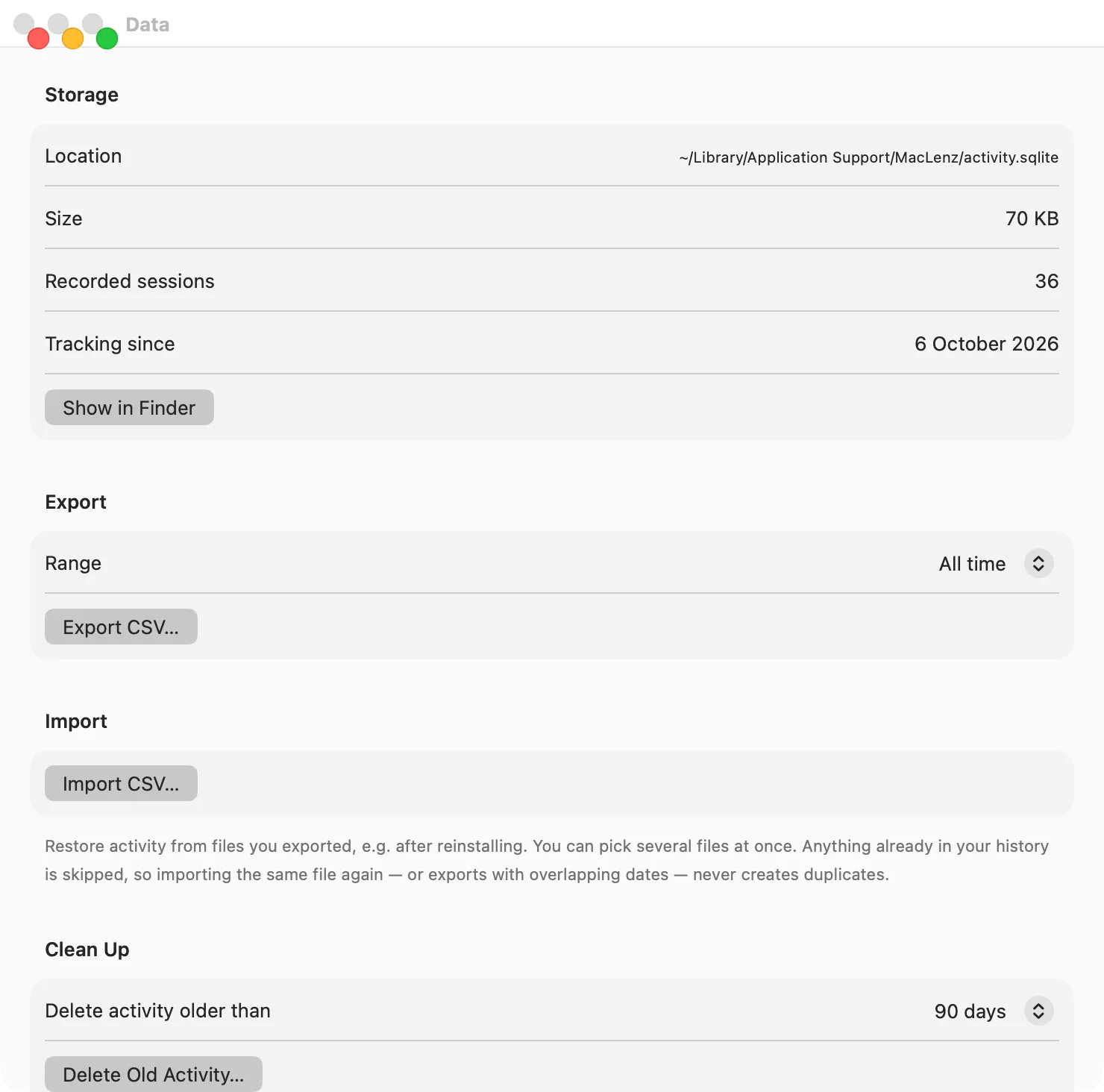
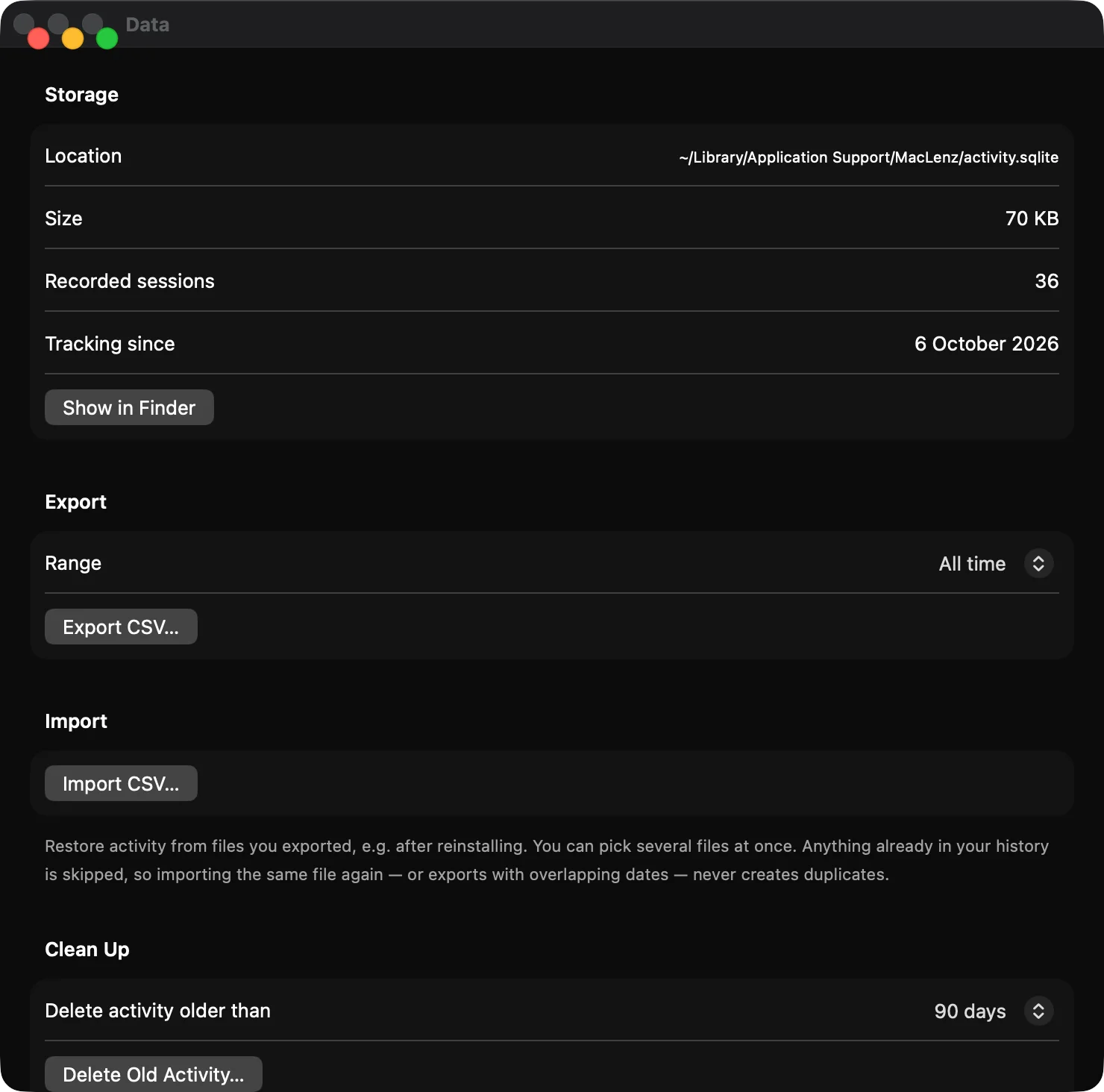
Export your activity and your resource log as plain files, whenever you like, and import them on any Mac. After a reinstall or on a new machine, your history comes back.
Export PRO
Your data in files you can read anywhere
You can export today, the last 7 days, the last 30 days or everything as a CSV file. The resource log exports as CSV, JSON or a readable report written in Markdown, and there is an option that writes the report, every CSV, the JSON and a copy of the database into one folder for all the time the log covers.
CSV opens in Numbers, Excel and any spreadsheet. JSON suits scripts. The Markdown report is meant to be read, and you can give it to an AI assistant to ask what slowed your Mac down or where your week went.
- Export today, the last 7 or 30 days, or everything
- CSV, JSON or a readable report for the resource log
- Your file is yours: plain text, readable anywhere
Import PRO
Bring it back on any Mac
Import CSV files after a reinstall, or on a new Mac, and your history appears again. You can pick several files at once. Anything already in your history is skipped, so importing the same file twice never creates duplicates.
Because the export is plain CSV, a backup is just a file you keep somewhere safe. If you plan to delete old activity, MacLenz offers to export a backup first.
How it works
Three steps
Export
Open Settings, then Data, and choose how much to export. MacLenz writes a file to a place you pick.
Keep the file
Store it with your other backups. It is ordinary text, so it does not depend on MacLenz to be read.
Import anywhere
On the same Mac after a reinstall or on a new one, choose Import CSV and select your files.
Why it matters for a private app
MacLenz keeps your history only on your Mac, with no cloud copy, so a file you export is the only backup that exists. That is the trade for privacy, and export and import is how you stay in control of it. Read the full picture on the privacy page, or see which plan includes it on the pricing page.
Questions
Questions about export and import
Can I open the CSV in Numbers or Excel?
Yes. CSV is plain text that any spreadsheet opens.
What if I import the same file twice?
Nothing is duplicated. Anything already in your history is skipped.
Is the resource log exported the same way?
It exports as CSV, JSON or a readable report written in Markdown, and there is an option that writes all of them into one folder.
Is export part of the Free plan?
No. Export and import are part of Pro, along with all of your history, week and month views and Optimization.
Be the first to know when MacLenz launches
Leave your email and we will write to you once, the day it is ready. The Free plan has no time limit and needs no card.
Download for Mac